华文 Chinese
Characters, reading, writing
MyPelajar
fast or quick? dari or daripada?
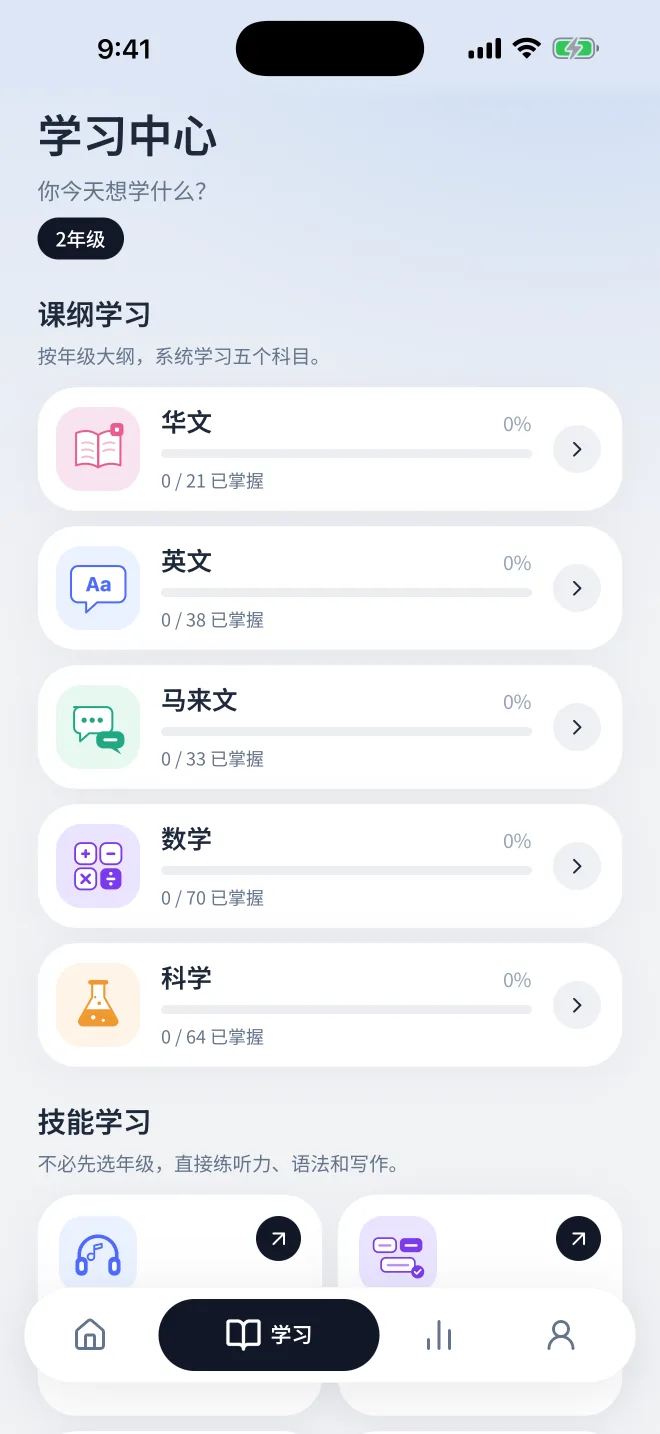
Five subjects for Malaysian primary Year 1–6, explained side by side, with practice right after.
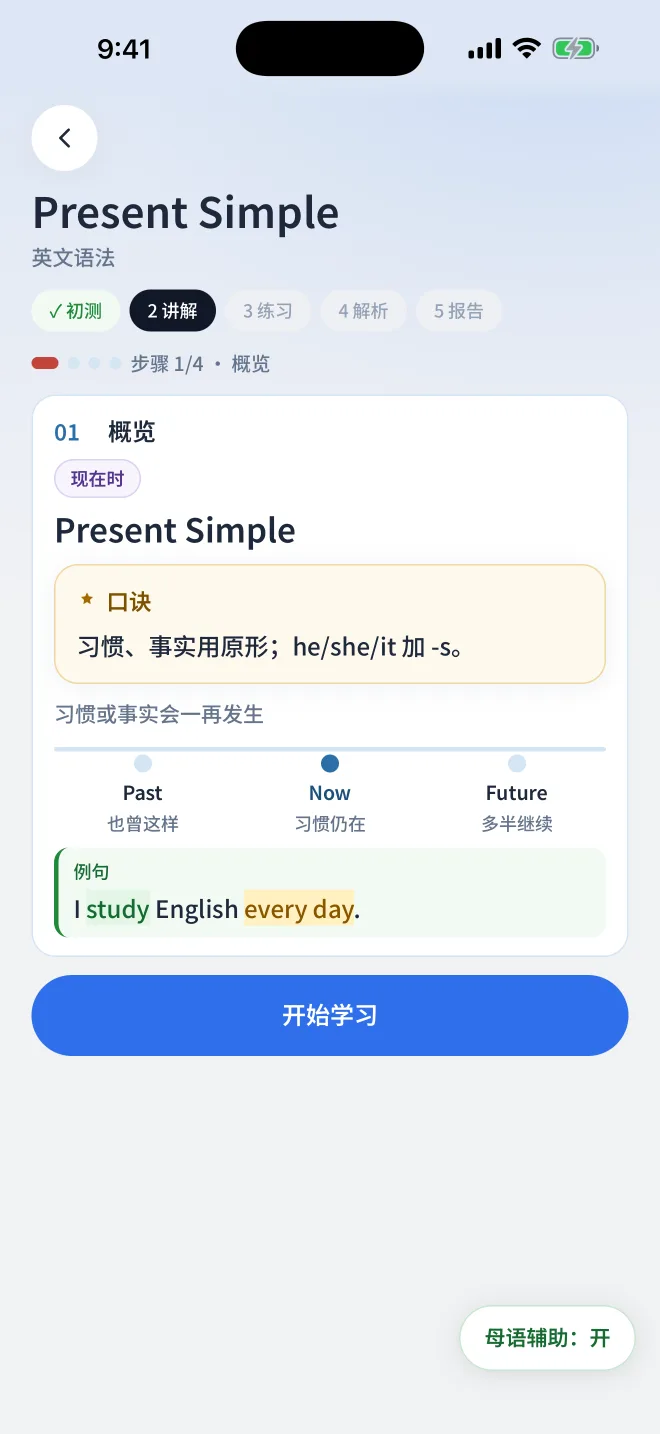
Try it
No rules to memorise. We put the two words side by side, then you try right away. Tap an answer below.
Is it “run fast” or “run quick”?
fast is about speed, quick is about time, speed is the noun.
moving at high speed
Cheetahs run fast.
taking a short time
Can I ask a quick question?
noun: how fast something goes
The train has a top speed of 300 km/h.
In school writing, “run quick” is not standard. Write “run fast” or “run quickly”.
Can I ask you a ___ question?
My brother can swim very ___.
The bus was moving at a high ___.
Hadiah ini ___ nenek. dari or daripada?
Place or time → dari. Person, source or comparison → daripada.
where or when something starts
Saya pulang dari sekolah.
from a person / source
Hadiah itu daripada nenek.
comparison
Ali lebih tinggi daripada Abu.
In the app, Tatabahasa also teaches kepada versus untuk.
Kami pulang ___ sekolah pada pukul 1.
Surat ini ___ cikgu kelas saya.
Kereta itu lebih laju ___ basikal.
跑___很快: 的, 地 or 得?
的 + a thing, 地 + an action, an action + 得.
a person or thing comes after it
美丽的花
an action comes after it
慢慢地走
an action comes before it, then “how”
跑得很快
3 is bigger than 2. So is ⅓ bigger than ½?
When the tops are the same, a bigger bottom means smaller pieces.
a pizza cut into 2, take 1 piece
big pieces
a pizza cut into 3, take 1 piece
more people, smaller pieces
both tops are 1: the smaller bottom wins
½ > ⅓ > ¼
Which is bigger? ¼ or ⅕
Which is bigger? ⅔ or ⅖
Which is bigger? ⅜ or ⅝
Year 1 to Year 6, one lesson at a time, following the Malaysian syllabus.
Characters, reading, writing
Grammar, 12 tenses, listening, writing
Tatabahasa, Imbuhan, Karangan
Operations, fractions, measurement, data
Science skills, life, materials, Earth
How it works
Learn
Every topic has an explanation, side-by-side examples and a memory tip. Tap any sentence to translate it.
Practice
Questions follow the syllabus. See right away if you are right, and why.
Review
Wrong answers go into review on their own. Home picks the topics to work on each day.
Daily picks
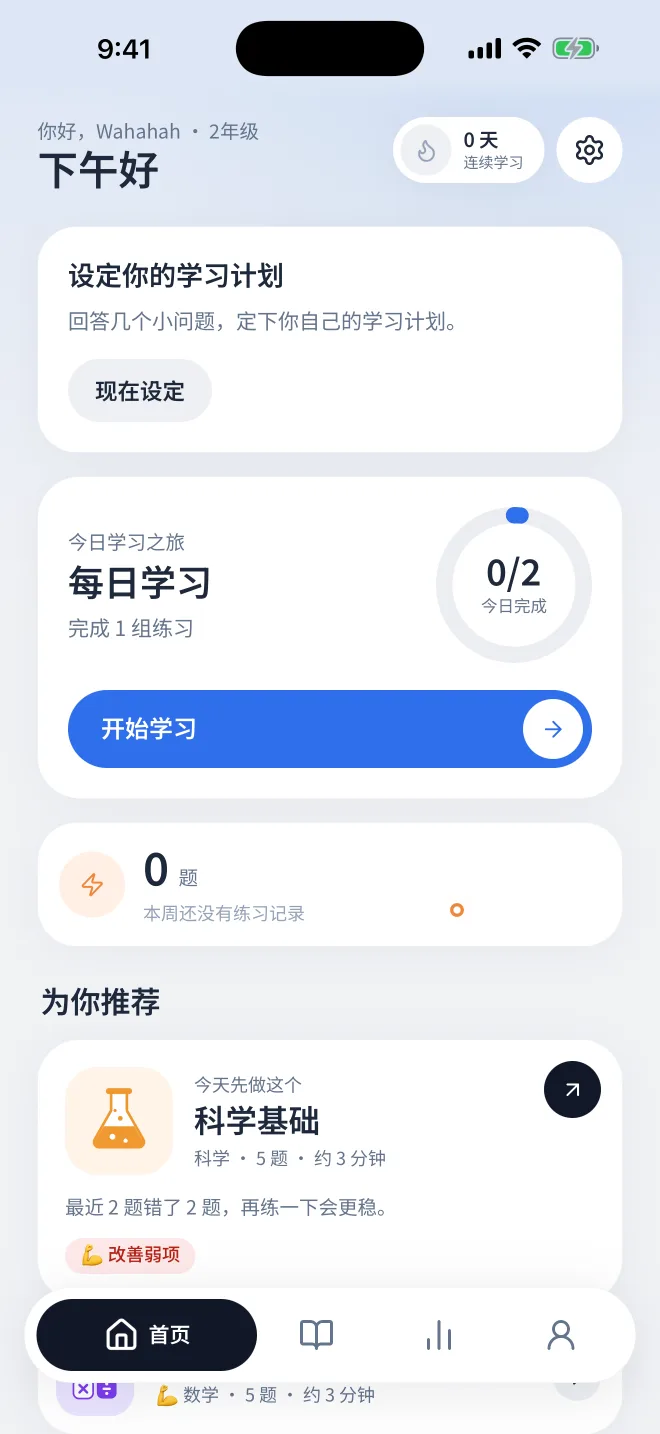
From your answers, Home suggests weak spots, things to review and the next lesson every day.
Three languages
Set the app language and the translation language separately. Tap a sentence to translate it.
Saved
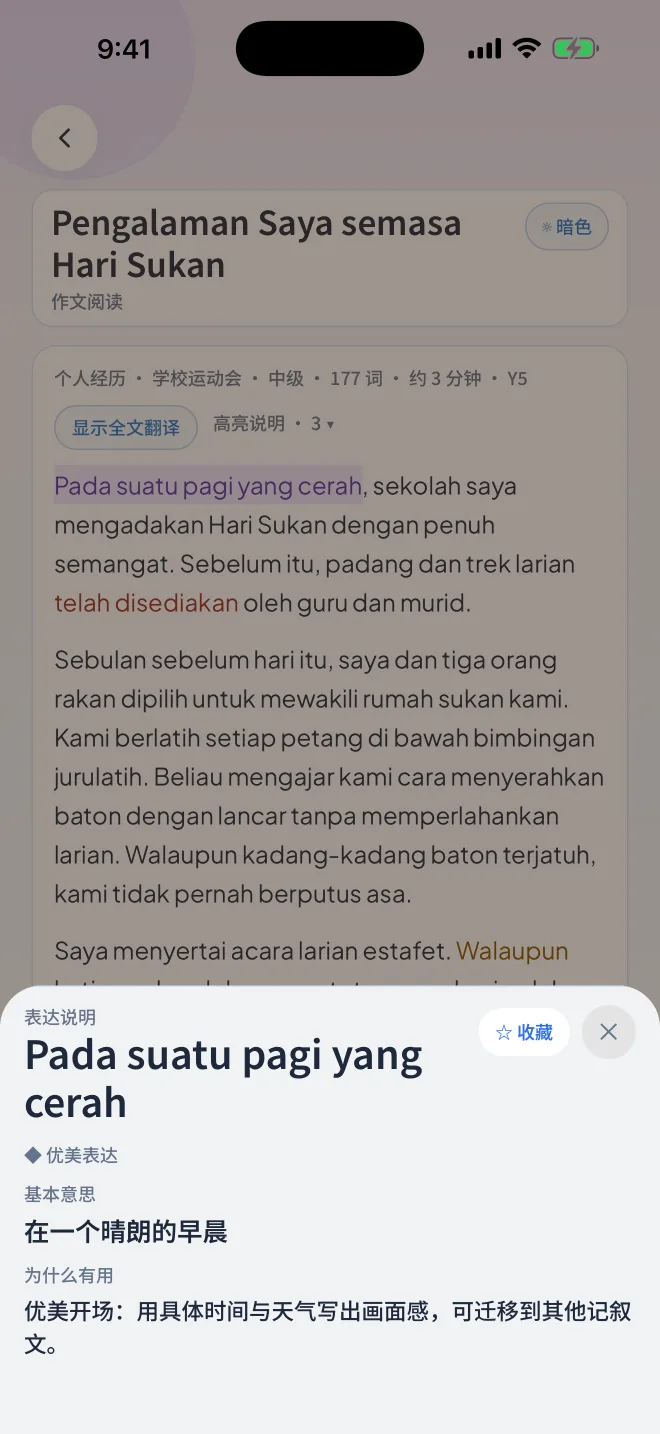
Each phrase comes with its meaning and usage, and stays with your account on a new phone.
Tense lab
Model essays
Model essays in Chinese, English and Malay, each in a short, medium and long version. Good phrases are marked; tap one for its meaning.
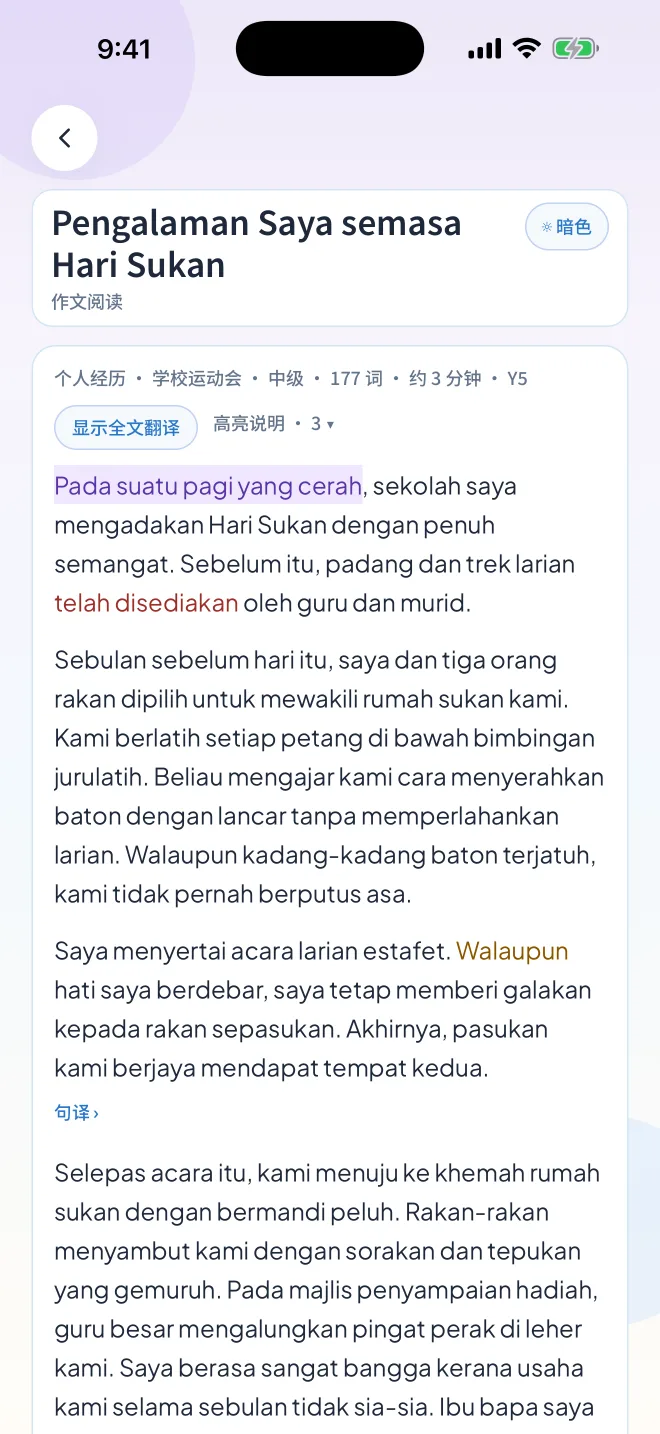
AI Tutor
It guides step by step instead of giving the answer. Before the first chat, a parent sees what is sent: no name or email, and photos are not kept.
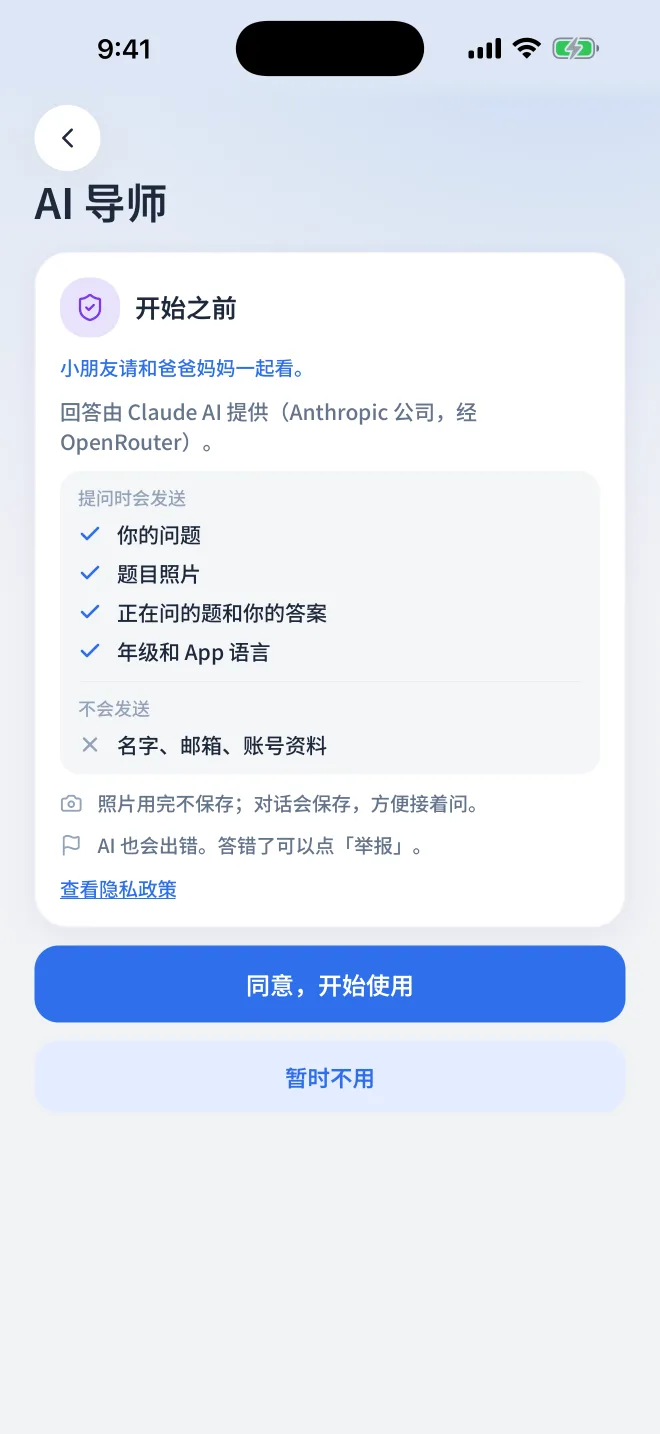
Daily goals
Two small goals a day build a study habit.
English listening
Real talks in short parts, with three modes to switch between. Plus listening tests at Year 6, Form 3 and SPM level.
For parents
A weekly report with time, questions and progress in front of you. No guessing, no nagging.
Study time, questions answered and accuracy, compared with last week.
This week’s topics, in the order they were studied.
Topics not yet mastered are listed on their own; tap one to practise.
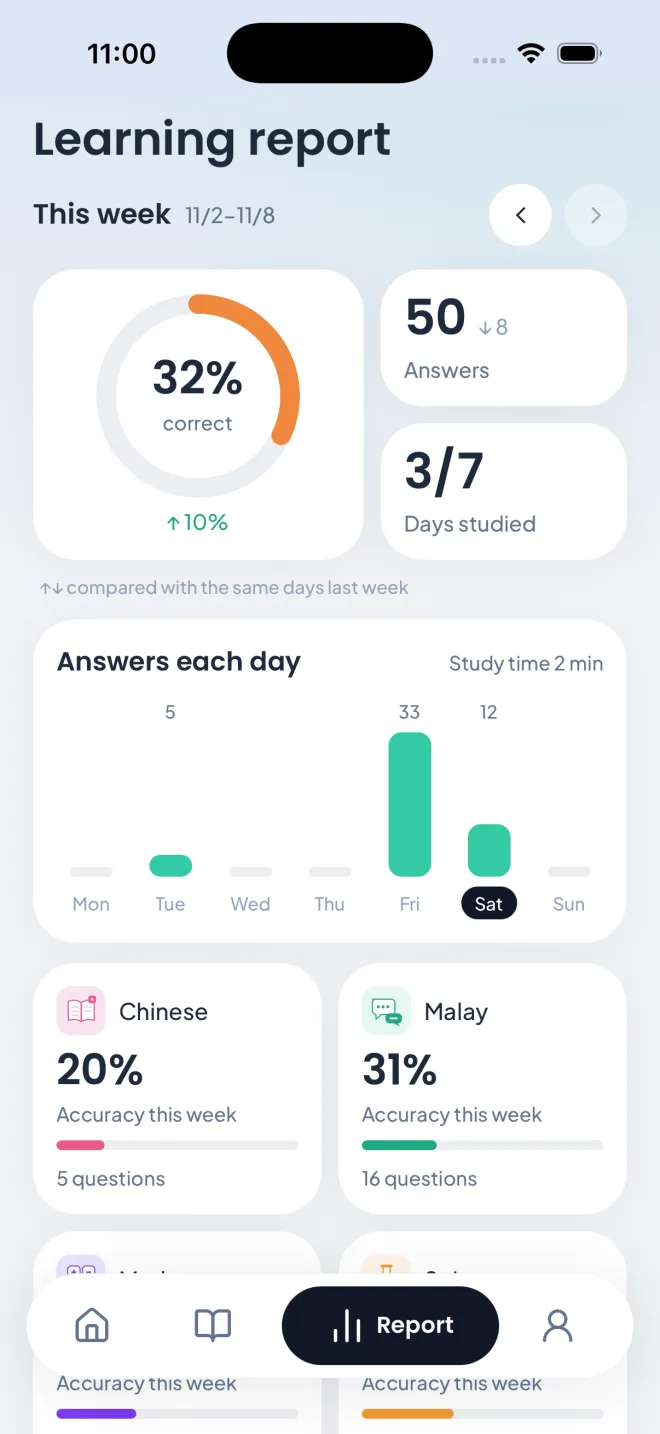
Shown in English. The app also works in Chinese and Bahasa Melayu.
Safety and privacy
A place to focus on learning, with nothing to distract.
No ads and no ad trackers in the app.
Students cannot chat with each other.
The AI Tutor only answers homework, word and essay questions, step by step. No name or email is sent, and photos are not kept.
Delete the account and learning data in Settings.
The learning path for all five subjects is free forever. For answer explanations, the AI Tutor and all content, pick a plan.
Get started
RM 0
No card needed
Download freeLearning Foundation
RM 24.90/ month
RM 298.80 over a year
RM 188/ year
About RM 15.67 / monthSave 37%
Learning Excellence
RM 34.90/ month
RM 418.80 over a year
RM 288/ year
About RM 24 / monthSave 31%
7-day free trial
Learning Mastery
RM 64.90/ month
RM 778.80 over a year
RM 588/ year
About RM 49 / monthSave 24%
Prices in Malaysian ringgit. Website payments are handled securely by Stripe; in-app subscriptions are charged by the App Store / Google Play. Compare all plans ›
Choose a plan and monthly or yearly, and enter the email you will use to sign in to the app.
Handled by Stripe: subscribe with card, Apple Pay or Google Pay. Monthly renews every month, yearly every year; cancel any time.
Download the app and sign up or sign in with that email. The plan is unlocked automatically.
Lessons cover Malaysian primary Year 1 to Year 6. Sign-up is for ages 6–18 and the year is set from the age; secondary students can use Year 6 content to build a base.
The learning path for all five subjects (lessons, practice, review) is free. Grammar, the 12 tenses, Tatabahasa, listening and essays can be tried in part, and the AI Tutor 5 times. Answer explanations, all content and past reports are for members.
The email you paid with is the email to sign in with. Download the app and sign up or sign in with that email (after confirming it) and the plan is unlocked automatically.
Then the app sees a different email from Apple, which does not match your payment email. Send us your payment email from the Contact page and we will unlock it for you.
The content is exactly the same. Website subscriptions are paid by card, Apple Pay or Google Pay and renew every month or every year; cancel any time. In-app subscriptions are charged and managed by the App Store / Google Play.
Website subscription: open the link below, enter the email you paid with, and cancel or change your card yourself. After cancelling, the period you paid for still works and nothing more is charged. In-app: cancel in App Store / Google Play subscriptions. Manage website subscription ›
One device at a time. Signing in on a new phone signs the old one out. Progress is saved to the account, so nothing is lost when you switch.
The app works in Chinese, English or Bahasa Melayu. The translation language can be set separately, for example Chinese app with Malay translations.
We keep only what the account needs. No ad tracking and no student chat. Only when your child uses the AI Tutor are the question, question photo, school year and app language sent to the AI to answer. No name or email is sent, and photos are not kept.
Still have a question? Send us a message
Download free and try it. Subscribe when you like it.
MyPelajar
Your 10% off is in your inbox
Pick any
Subscribe on our website with this email and the 10% comes off on the payment page. No code needed.
See the plans